Concept Sketch
Sketch several concepts quickly to compare and communicate.
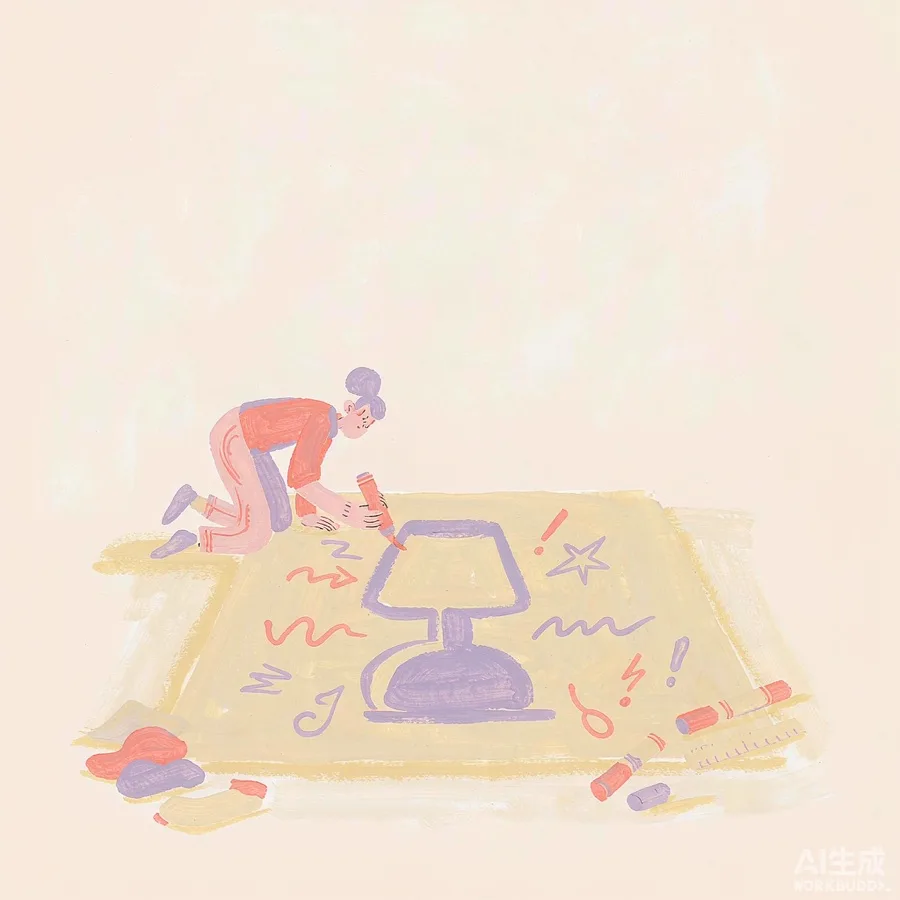
Several concepts drawn quickly and annotated, then compared side by side. Sketching is how a concept becomes specific enough to disagree with.
Time
2 hours
Group
2-4
Output
Annotated concept sketches
Move
Prototype
Run sheet
How to run it
4 steps · 2 hours
- 01
Sketch multiple concepts
- 02
Annotate each sketch
- 03
Compare them side by side
- 04
Select the ones to develop
Say this
Lines you can read out as they are — no improvising under pressure.
“Draw the concept as a person would meet it, not as a system diagram”
“Ten minutes, one sketch, no erasing”
“Add one annotation saying what the user does first”
Set up
Before they walk in
- □A3 paper and thick markers, no pencils
- □The concept statement and the user visible on the wall
- □A time limit stated per sketch
What to watch for
Signals and traps
It is working when
- sketches differ from each other in what they assume
It usually fails when
- people draw interfaces before agreeing what problem it solves
- the person who can draw dominates the output
If it stalls, or the room is the wrong size
Variations
Six-up sketching to force volume
Sketch the failure case as well as the success case
Remote: timed drawing on paper, then photos into one board
Background
Where it comes from
From Kumar's 101 Design Methods. The annotations matter as much as the drawing: they record the decision behind a shape, which is exactly what gets lost when only the picture survives.
Cautions
When it does more harm than good
- Sketch three or four, not one
- Annotate the decision, not the object
- Do not let drawing skill decide the shortlist
When to use
Reach for it when…
You need to explain a concept
You are choosing between directions
Source
Kumar, V. (2012). 101 Design Methods: A Structured Approach for Driving Innovation in Your Organization. John Wiley & Sons.
Source phase: Concept (Kumar). Steps and the run sheet are written for this library, not quoted from the source.